
Introduction
So, your teen just got a Microsoft Surface. Exciting, right? But if you’re anything like most parents, that excitement comes with a little apprehension. How much screen time is too much? Are they actually using it for homework—or just streaming TikTok videos in secret?
The Surface is more than just a tablet; it’s a versatile mini-workstation. From creating presentations and taking digital notes to sketching ideas and exploring coding, it can unlock worlds of learning and creativity. But without a plan, it can also become a distraction, or worse, a source of stress for both you and your teen.
For families of teens using Microsoft Surface, the goal is to balance productivity, creativity, and safe digital habits. By using parental controls, structuring screen time, and encouraging educational apps, families can help teens maximize learning while minimizing distractions and online risks.
The Problem: Teens and Technology—A Tricky Mix
Let’s be honest: teens and tech can be a wild combination. The Microsoft Surface offers powerful tools—apps, the Windows OS, stylus support—but that also means more ways to get sidetracked.
According to a Common Sense Media study, teens spend 7–9 hours a day on screens for entertainment alone. Add schoolwork, and suddenly a single device can consume most of a teen’s day.
As a parent, you might worry about:
- Overuse or addiction to entertainment apps
- Privacy and cybersecurity risks online
- Balancing study and leisure on a device that does everything
I remember helping my nephew set up his Surface for high school. At first, he spent more time choosing wallpapers and testing the pen than doing homework. But by creating routines and teaching him shortcuts in OneNote and Teams, he quickly transformed the Surface into a productivity powerhouse.
How-To: Helping Teens Thrive on Surface
Here’s a practical roadmap for families:
- Set Up Parental Controls – Microsoft Family Safety lets you monitor app use, set screen time limits, and track activity. It’s not about spying—it’s about guiding.
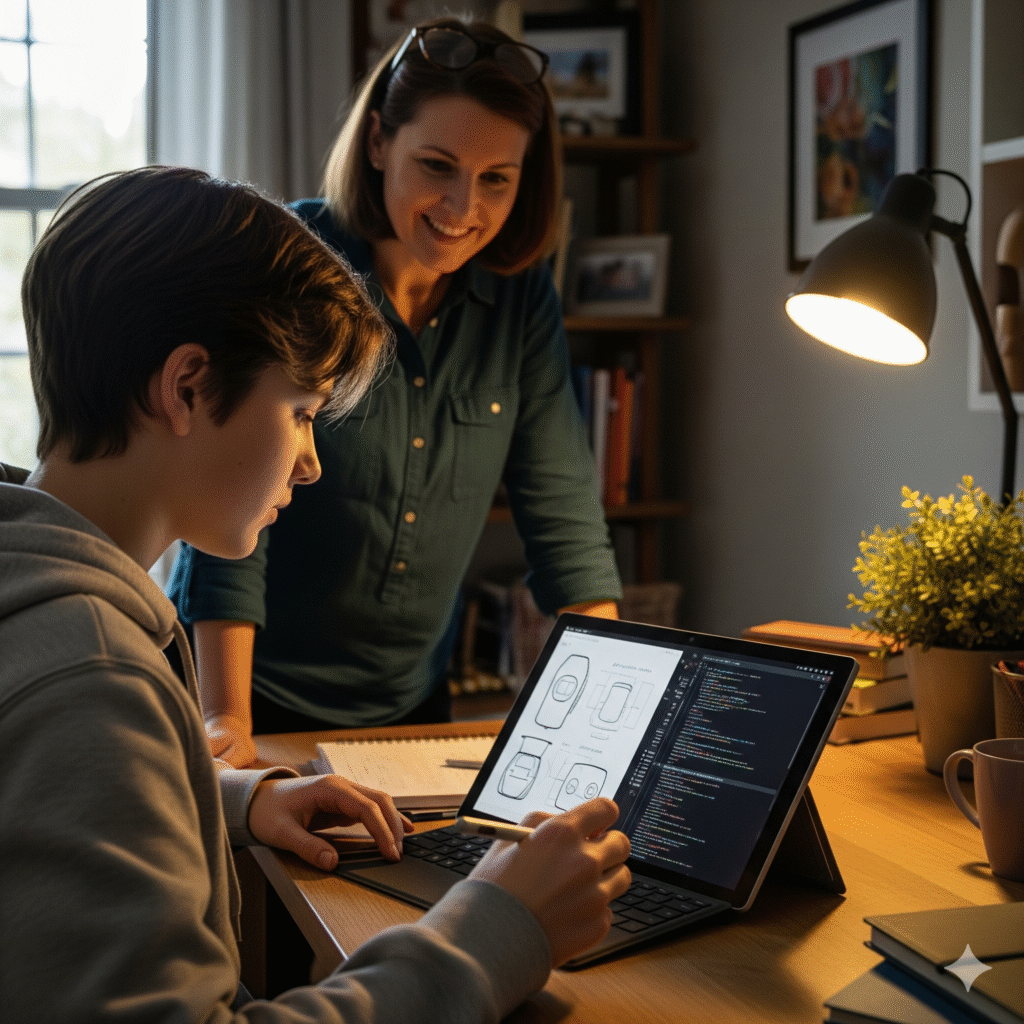
- Create a Dedicated Study Zone – A desk by a window, good lighting, and minimal distractions make a huge difference. Teens often respond better to boundaries when their space feels inviting.
- Highlight Educational Apps – Encourage apps like OneNote for notes, Teams for collaboration, and Microsoft Editor for writing help. They turn the Surface into a learning tool rather than a toy.
- Designate Tech-Free Times – Mealtimes, family game nights, or an hour before bed help reduce digital fatigue and improve sleep.
- Discuss Online Safety Openly – Talk about phishing, social media privacy, and respectful online behavior. Teens are more likely to listen when it’s a conversation, not a lecture.
Personally, I’ve seen teens go from endless scrolling to completing projects efficiently just by implementing small routines like these. The Surface can become a springboard for responsibility and creativity when guided thoughtfully.
Comparison: Surface vs. Other Devices
It’s worth comparing the Surface to other popular devices to understand its strengths:
| Device | Key Advantages | Challenges | Best Use Case |
| Microsoft Surface | Touchscreen, stylus, Windows OS, productivity apps | Higher cost, learning curve | Schoolwork, digital art, coding |
| iPad | Intuitive interface, wide app ecosystem | Limited multitasking, needs keyboard for work | Creative apps, media consumption |
| Chromebook | Lightweight, affordable, auto-updates | Limited offline functionality | Basic schoolwork, browsing |
| Laptop (Windows) | Powerful, versatile | Less portable | Programming, professional use |
The Surface bridges the gap between a tablet and a laptop. For teens, it offers the portability of a tablet with the functionality of a full computer—a combination other devices often can’t match.
Benefits and Use Cases
- Academic Growth – Apps like Teams and OneNote help teens stay organized, collaborate on projects, and improve productivity.
- Creative Expression – The Surface Pen allows for digital drawing, note-taking, and presentations, fostering creativity in unique ways.
- Tech Literacy – Using Windows OS and productivity tools prepares teens for college and future careers in technology.
- Family Collaboration – Shared apps like Microsoft To Do or OneDrive let parents track assignments, share schedules, and encourage teamwork.
For example, my niece used her Surface to design a history project with interactive visuals. Seeing her ideas come to life not only made her proud but also motivated her to complete the assignment ahead of schedule. That’s the kind of engagement the Surface encourages.
Expert Insights
Dr. Sara Mitchell, a digital wellness expert at the University of Washington, says:
“Devices like the Microsoft Surface are powerful educational tools, but guidance is key. Families that set boundaries, encourage creativity, and model responsible use see the biggest benefits academically and socially.”
Microsoft also recommends combining productivity apps, parental controls, and structured routines for the best teen experience. You can explore more at Microsoft Family Safety.
FAQs
Q: Is Microsoft Surface suitable for high school students?
Yes. It supports productivity apps, stylus use, and collaboration tools, making it ideal for schoolwork, creative projects, and coding.
Q: How can parents monitor usage?
Microsoft Family Safety provides screen time limits, app restrictions, and activity reports. Open conversations about tech responsibility are also critical.
Q: Can teens use Surface for creative projects?
Absolutely. With the Surface Pen, teens can draw, take handwritten notes, or design presentations, boosting creativity and engagement.
Q: Are there alternatives for teens?
iPads, Chromebooks, and traditional laptops work too, but the Surface uniquely combines tablet flexibility with laptop productivity.
Q: How can families prevent overuse?
Establish tech-free periods, create dedicated study spaces, and encourage offline hobbies like reading or outdoor activities.
Conclusion
For families of teens using the Microsoft Surface, this device is far more than a screen—it’s a tool for learning, creativity, and collaboration. By combining parental guidance, structured routines, and open conversations, your teen can thrive academically, explore new creative outlets, and build important tech skills.
The key takeaway? Technology works best when guided thoughtfully. With the right balance, the Surface can become a launchpad for responsible digital habits and lifelong learning, all while keeping screen time stress-free for parents and teens alike.